Theming was slow and frustrating
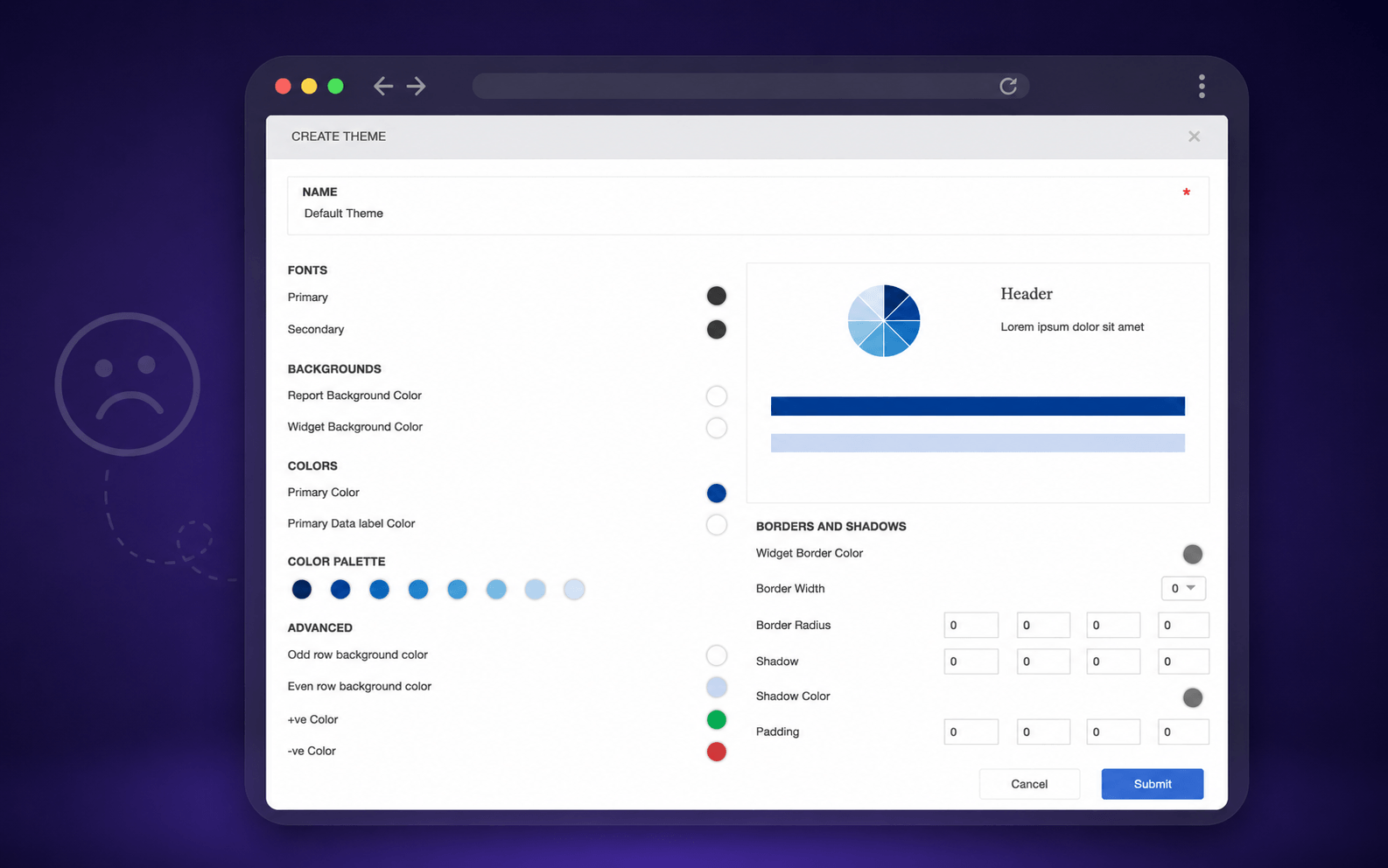
The current theme editor was very limited. Users couldn't even edit themes they had already created. The process of creating report themes was confusing, as styling properties were difficult to understand and users often didn't know where their changes would be applied.
Many users reached out to our support team to create themes for their reports. In some cases, our designers had to build custom themes on behalf of customers, making the process time-consuming for both users and internal teams.
Listening before designing
I went through support requests and spoke with customers directly. A few problems came up again and again.
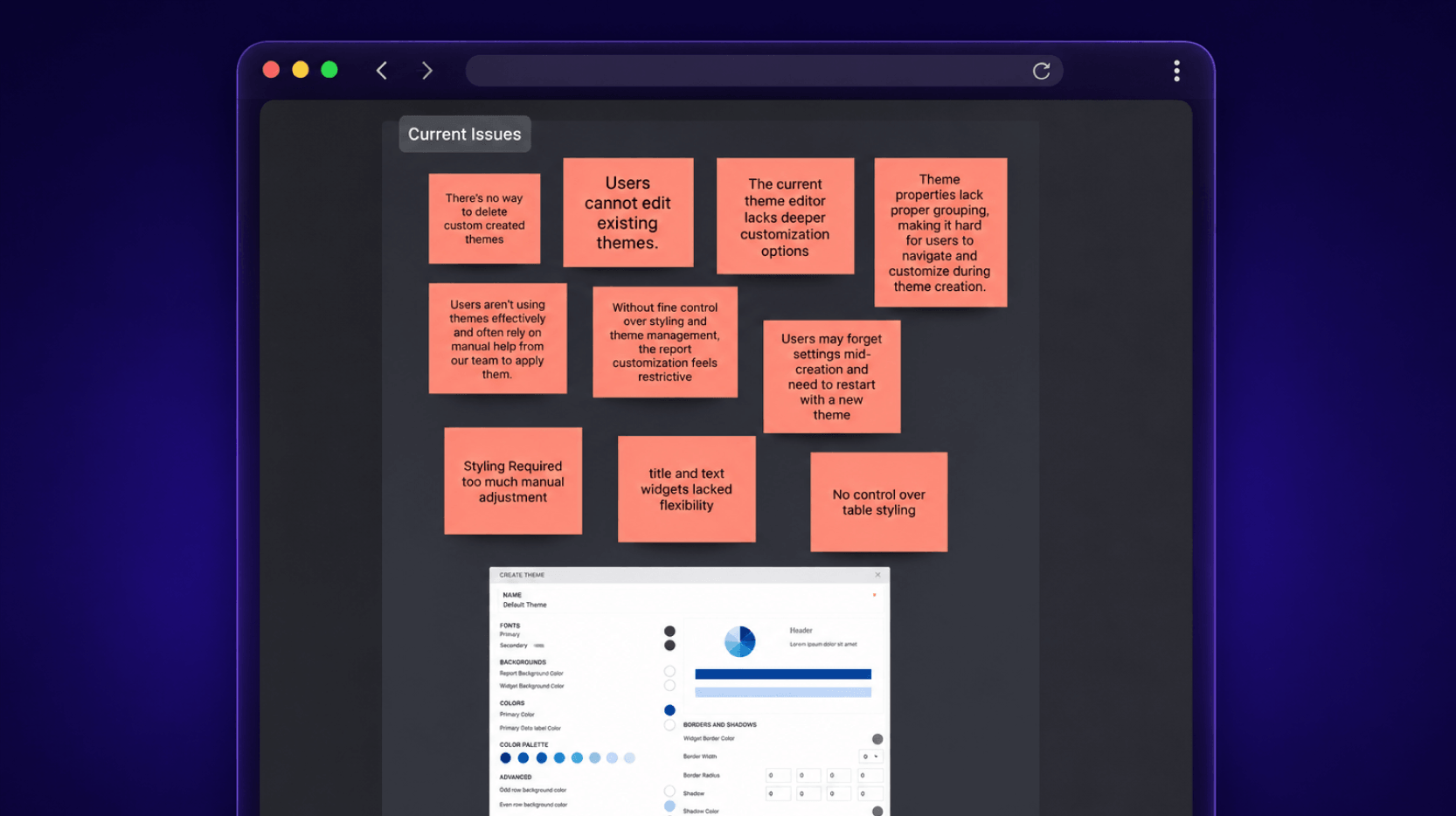
No option to edit existing themes.
No option to delete themes.
Limited widget-level customization.
People wanted control over titles, descriptions, labels, legends, axes and grid lines.
One small mistake meant starting the whole theme over.
Theme creation often required support assistance.
Title and Text widgets lacked flexibility.
No control over table styling.
Styling required too much manual adjustment.
A request that kept coming up
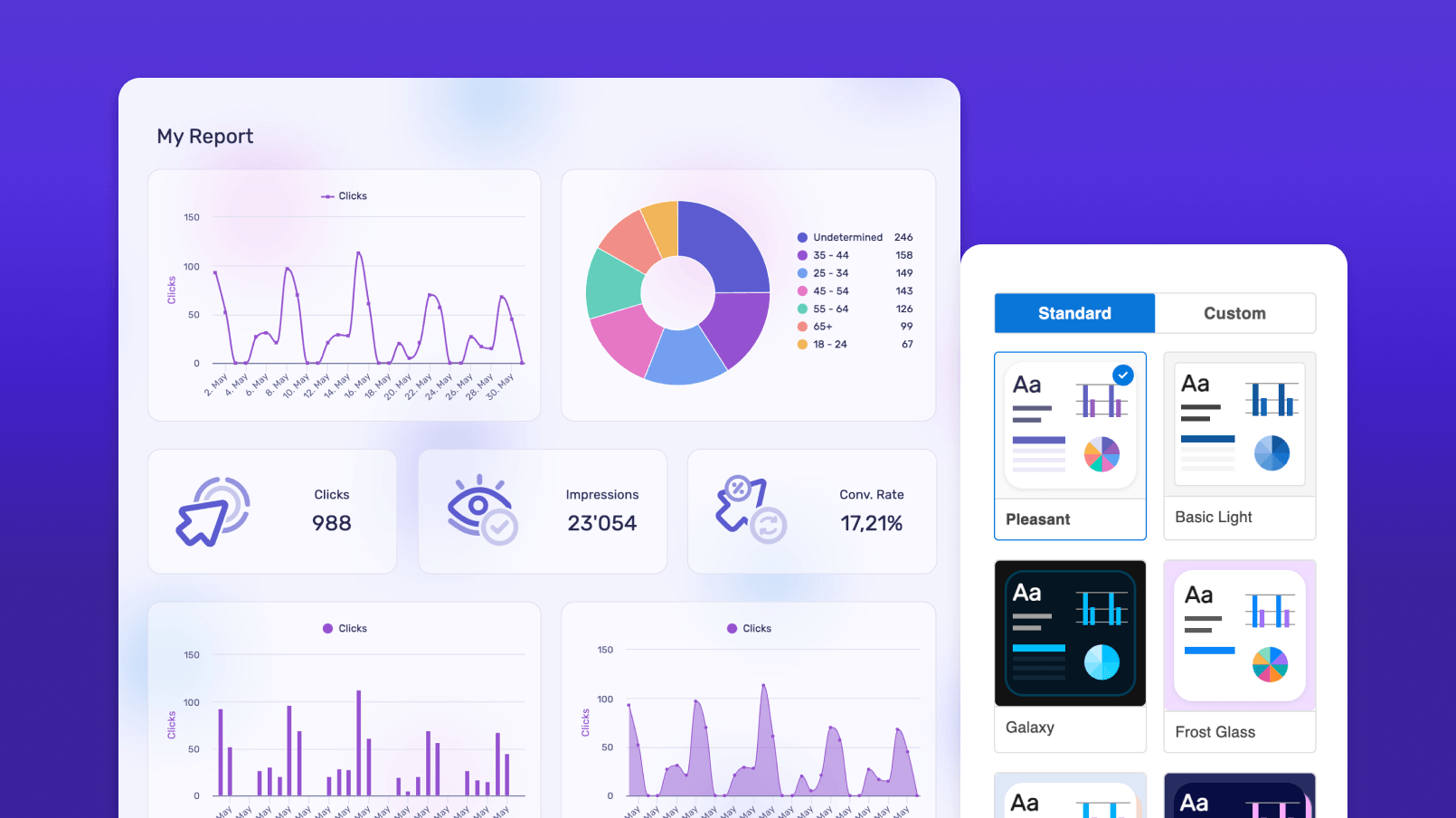
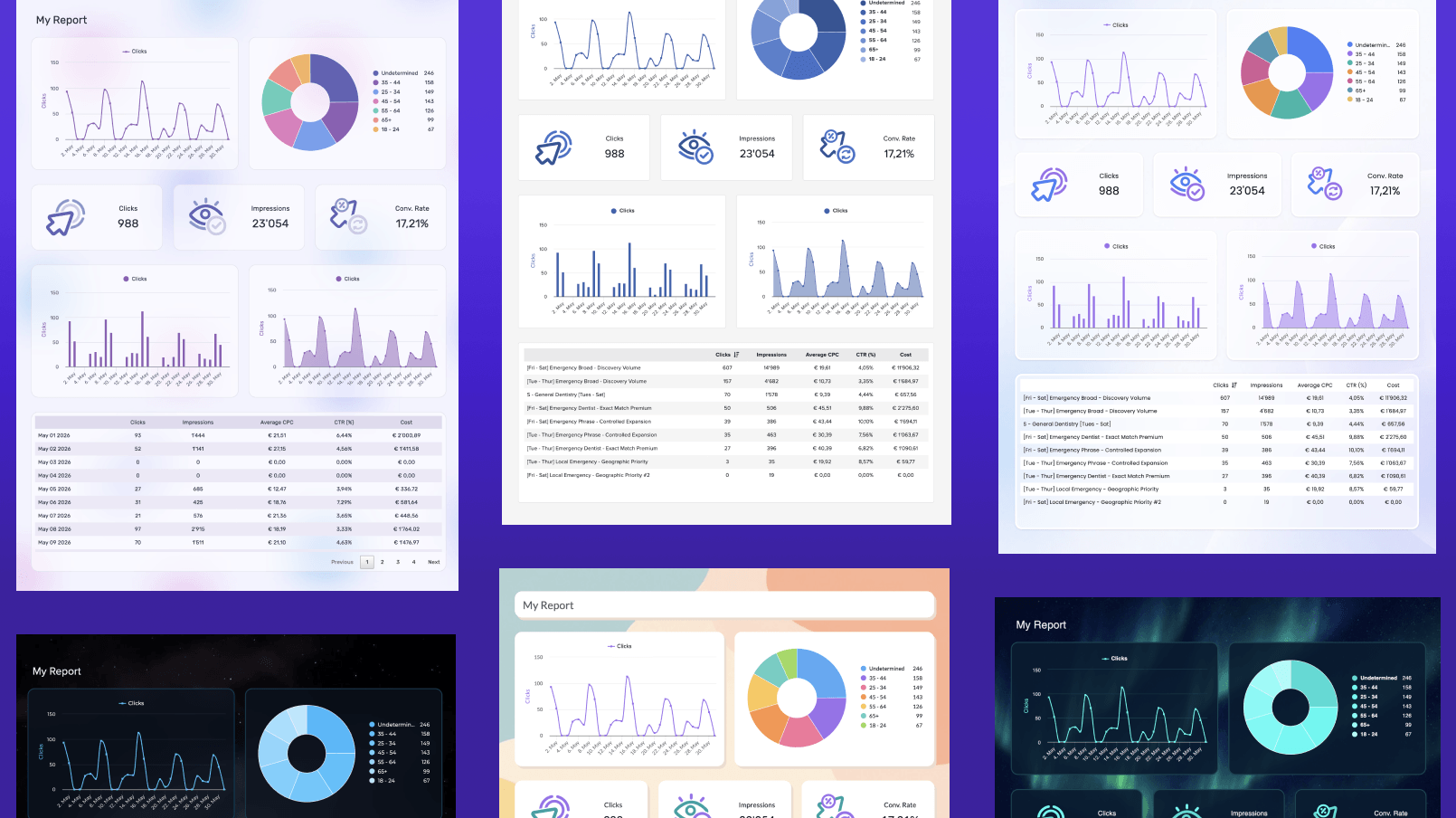
Users wanted more modern and visually appealing standard themes to make their reports look polished and professional.
Designing within real constraints
Existing themes couldn't break
The redesign needed to support existing reports and themes without disrupting current users.
Widget-level complexity
Different widgets required different styling controls while maintaining a consistent experience.
AI without complexity
Explore how AI could generate polished themes in seconds while keeping users in control.
Self-serve theme creation
Reduce the need for users to rely on support and designers to create themes.
Live preview
Users needed immediate visual feedback to understand how styling changes affected their reports.
How we got here
Audit & Competitive Analysis
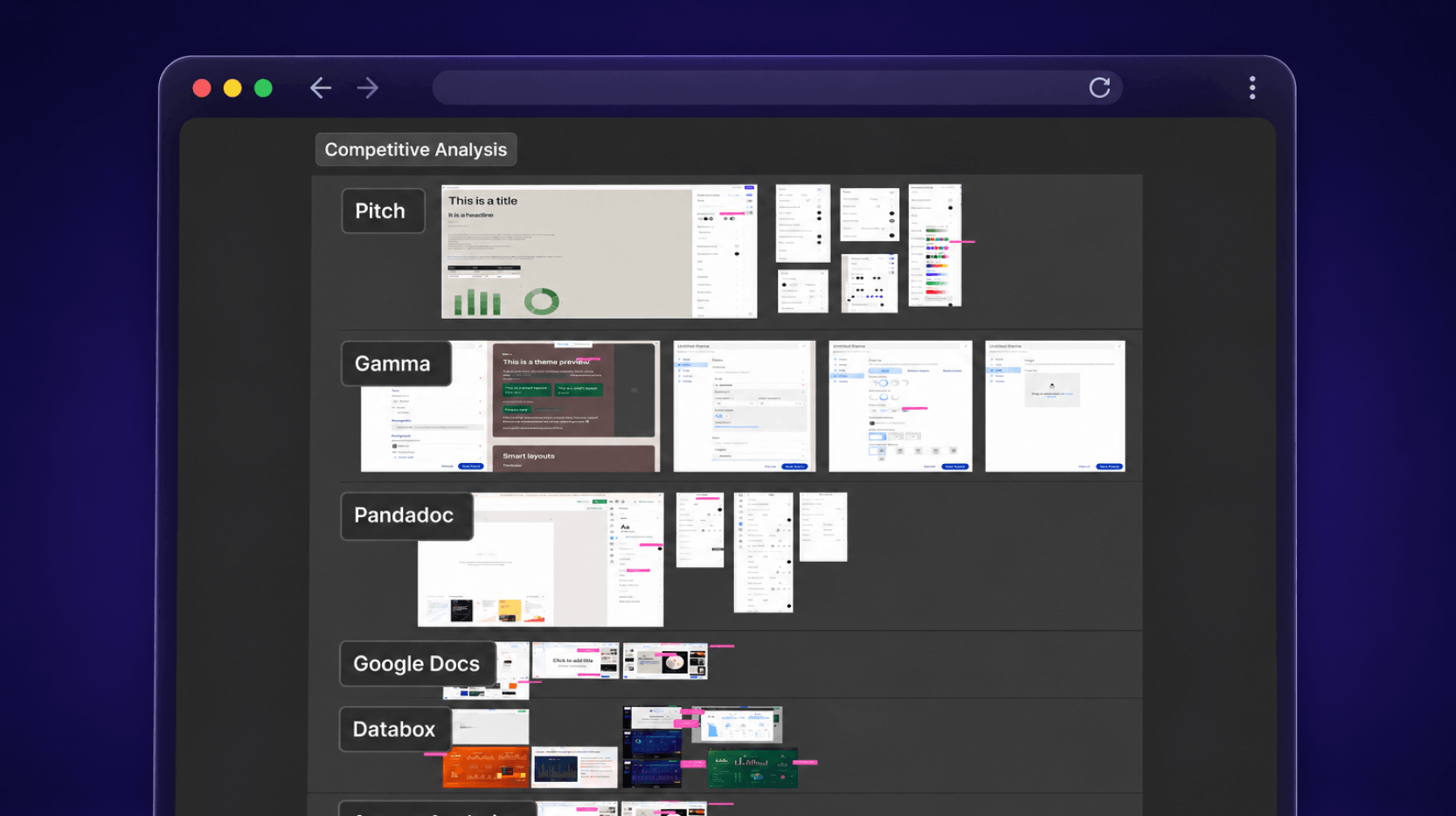
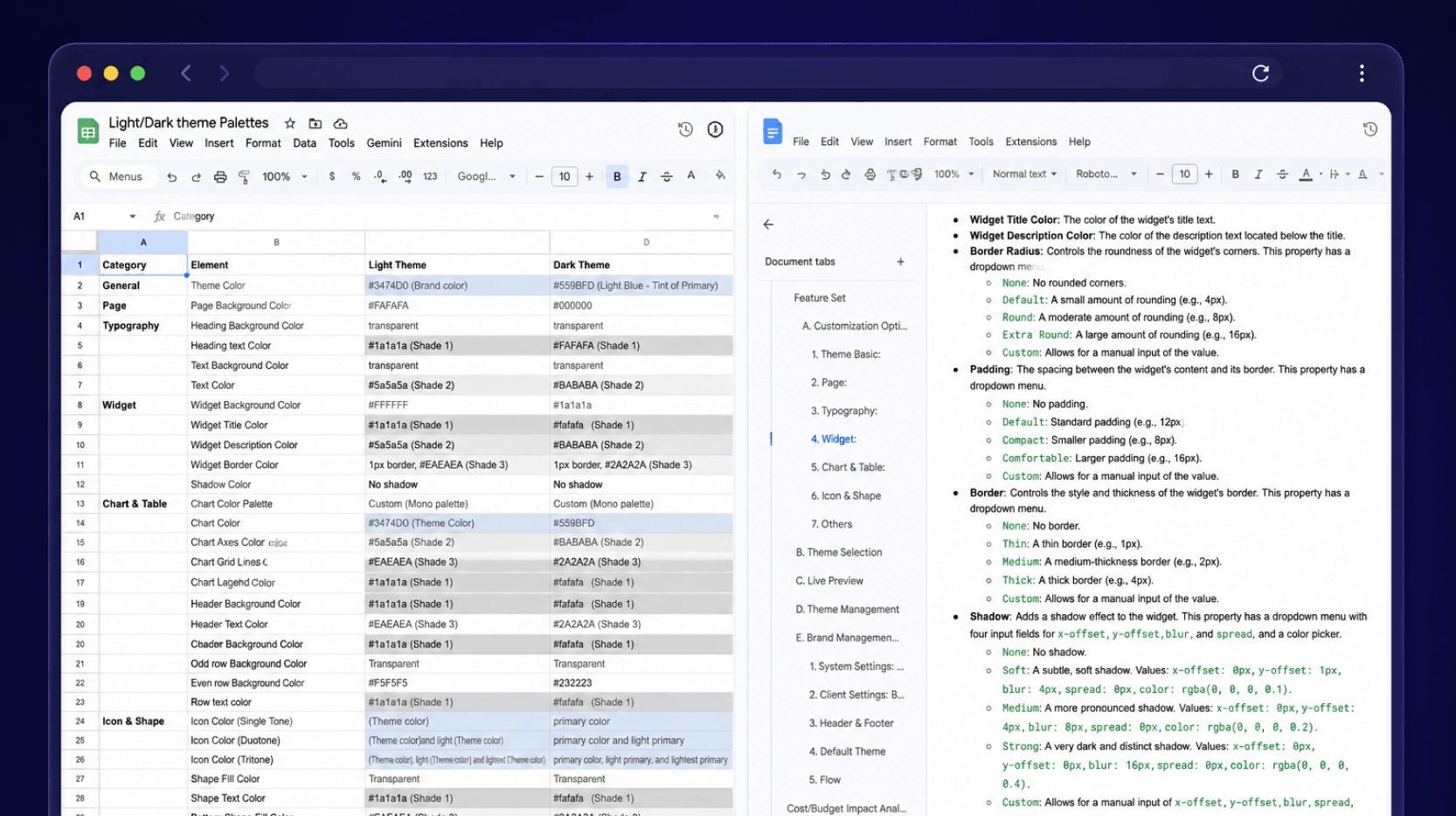
Documented the styling properties available across different widget types, analyzed how the existing theme editor worked, and benchmarked the experience against six competitor tools.
User Research & Interviews
Synthesized customer feedback from support requests, internal research, user recordings, and direct conversations to identify recurring pain points.
Ideation & AI Exploration
Used tools like Google Stitch and Figma AI to rapidly explore ideas and brainstorm potential solutions based on research insights.
AI Concepts & Design Reviews
Created multiple concepts, reviewed them with stakeholders, and refined promising directions through iterative feedback.
High-Fidelity Design
Translated validated concepts into detailed Figma designs, defining the complete theming experience and interaction patterns.
Prototype Testing with Figma Make
Used Figma Make to build interactive prototypes, test concepts with users, and iterate quickly based on feedback.
Developer Handoff
Once the solution was validated and approved, collaborated closely with engineering to move the designs into development.
A glimpse into the journey
The new theme builder
Theme Gallery
People start by browsing professionally designed themes. These can't be edited directly. Instead, users clone one to create their own version, ensuring there's always a safe starting point.
Create Theme from Scratch
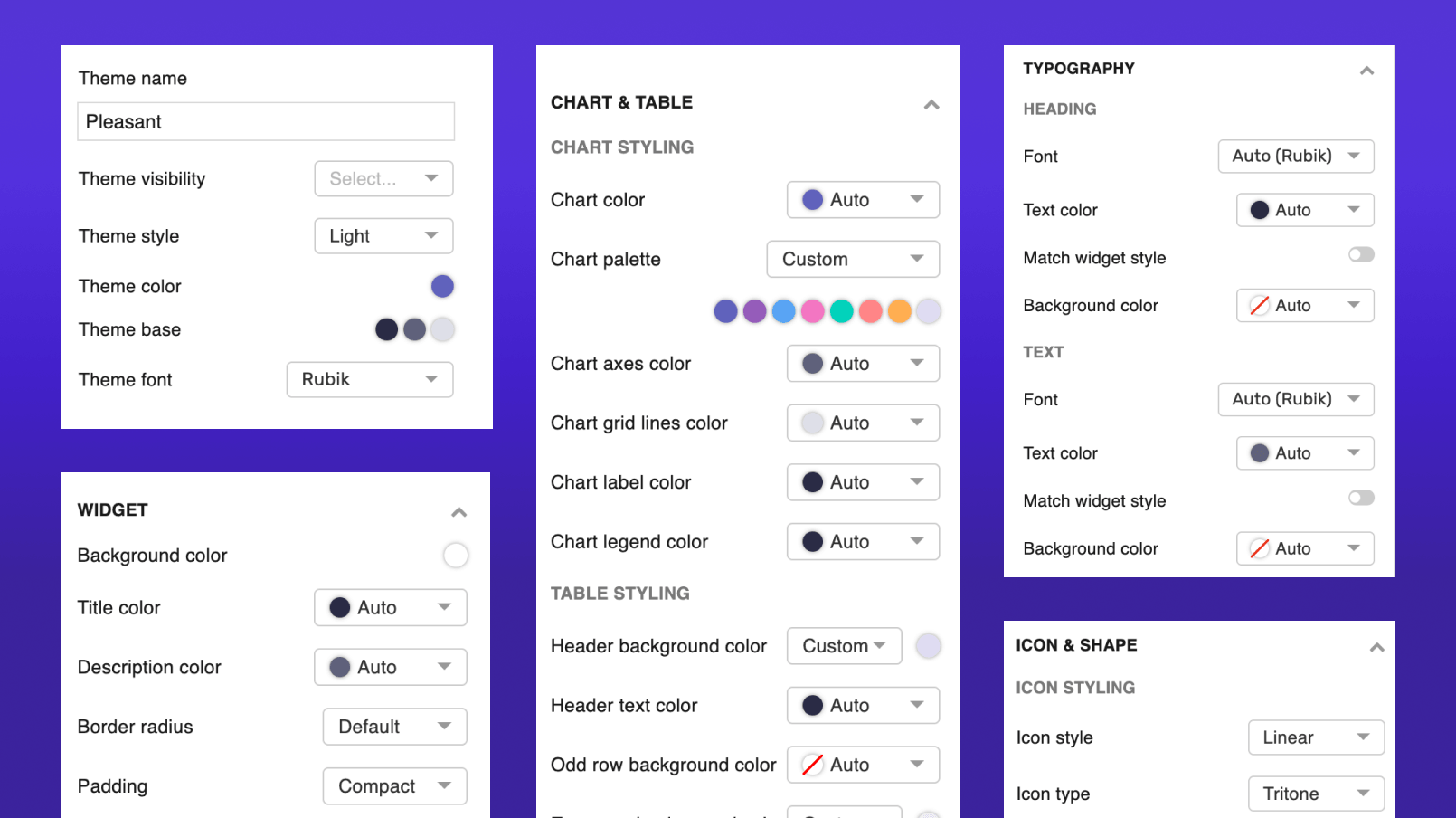
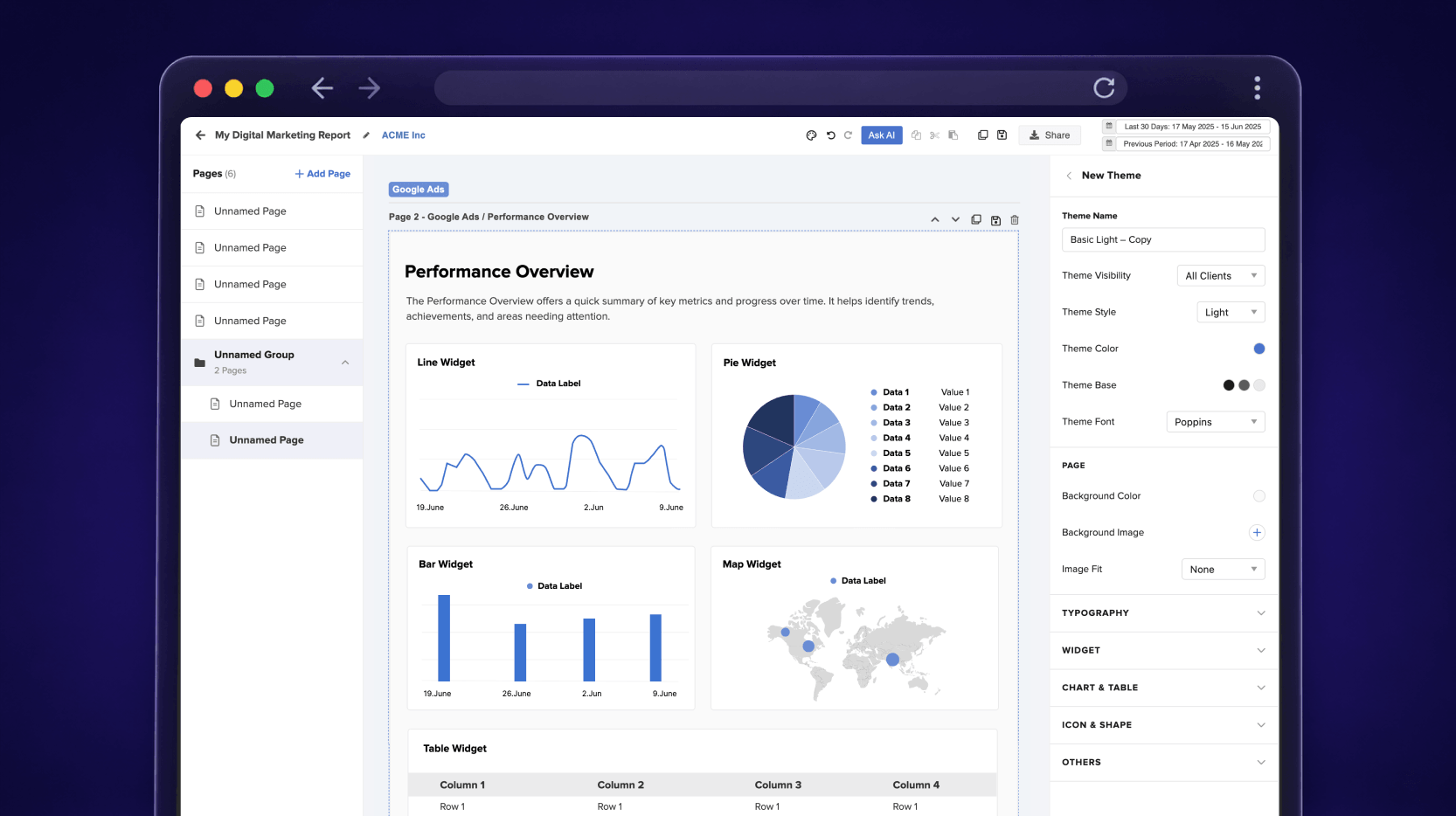
Users can switch between Light and Dark mode. Changing the brand color automatically updates related elements through semantic color relationships. Advanced users can fine-tune individual settings, while most people can create polished themes using the recommended defaults. Theme creation dropped from over 10 minutes to around 2.
Widget-Level Customization
Backgrounds, titles, descriptions, borders, shadows, padding, and transparency can be customized at the widget level, giving users greater flexibility without adding unnecessary complexity.
Chart-Level Customization
Previously, theme customization only worked at the widget level. With chart-level customization, users can fine-tune individual chart elements such as labels, legends, axes, and grid lines, giving reports a more polished and tailored look.
AI Theme Creator
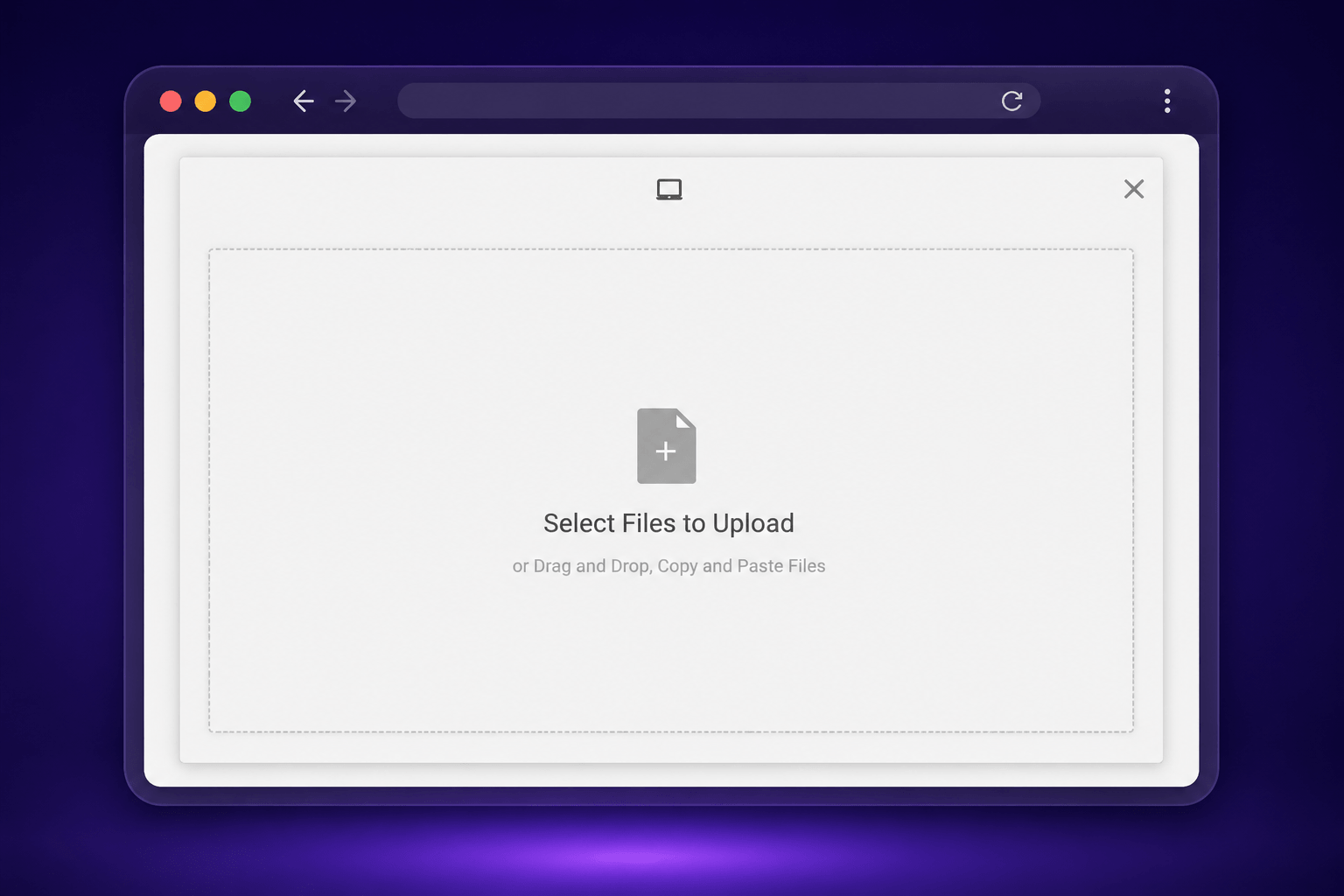
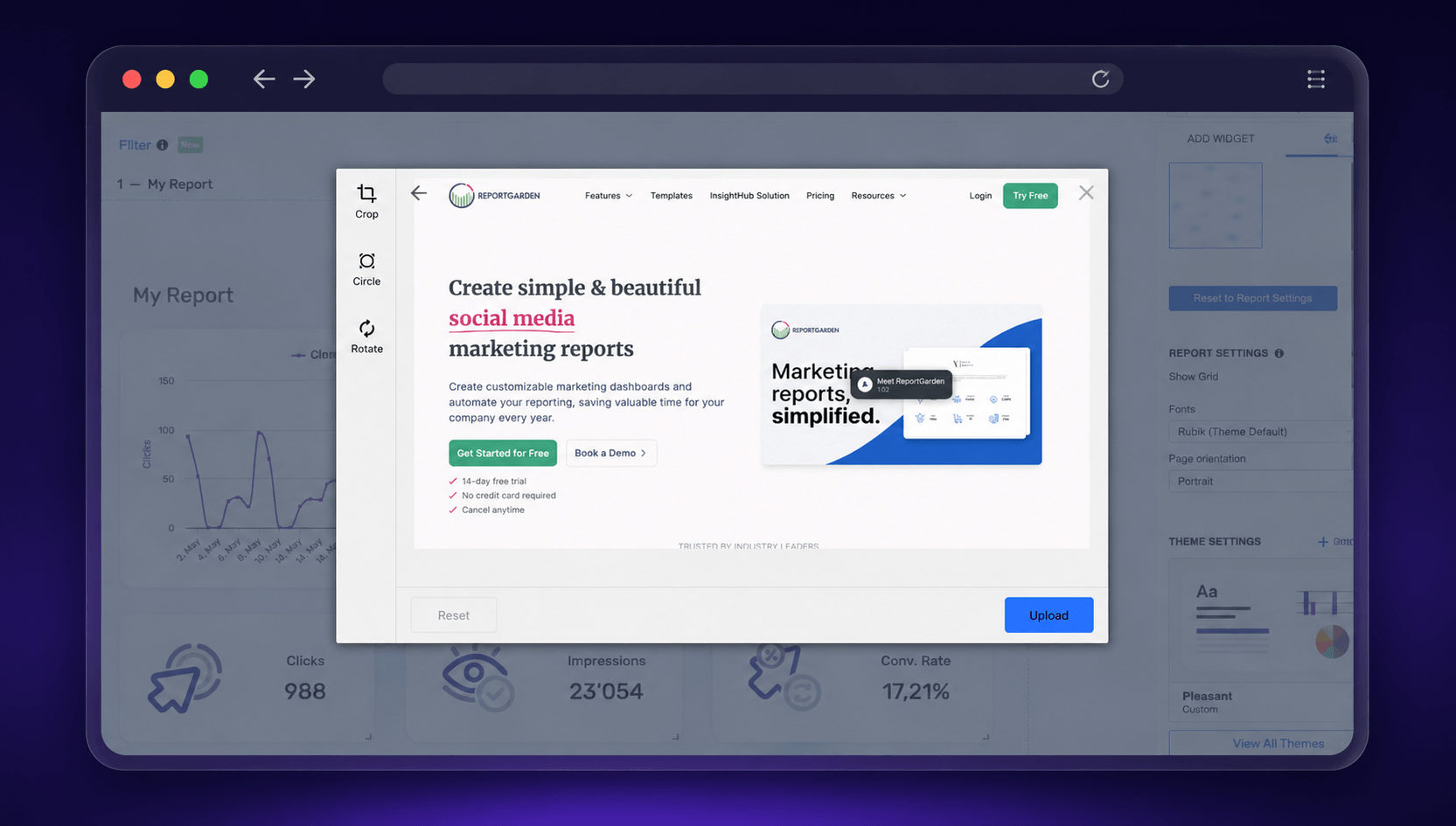
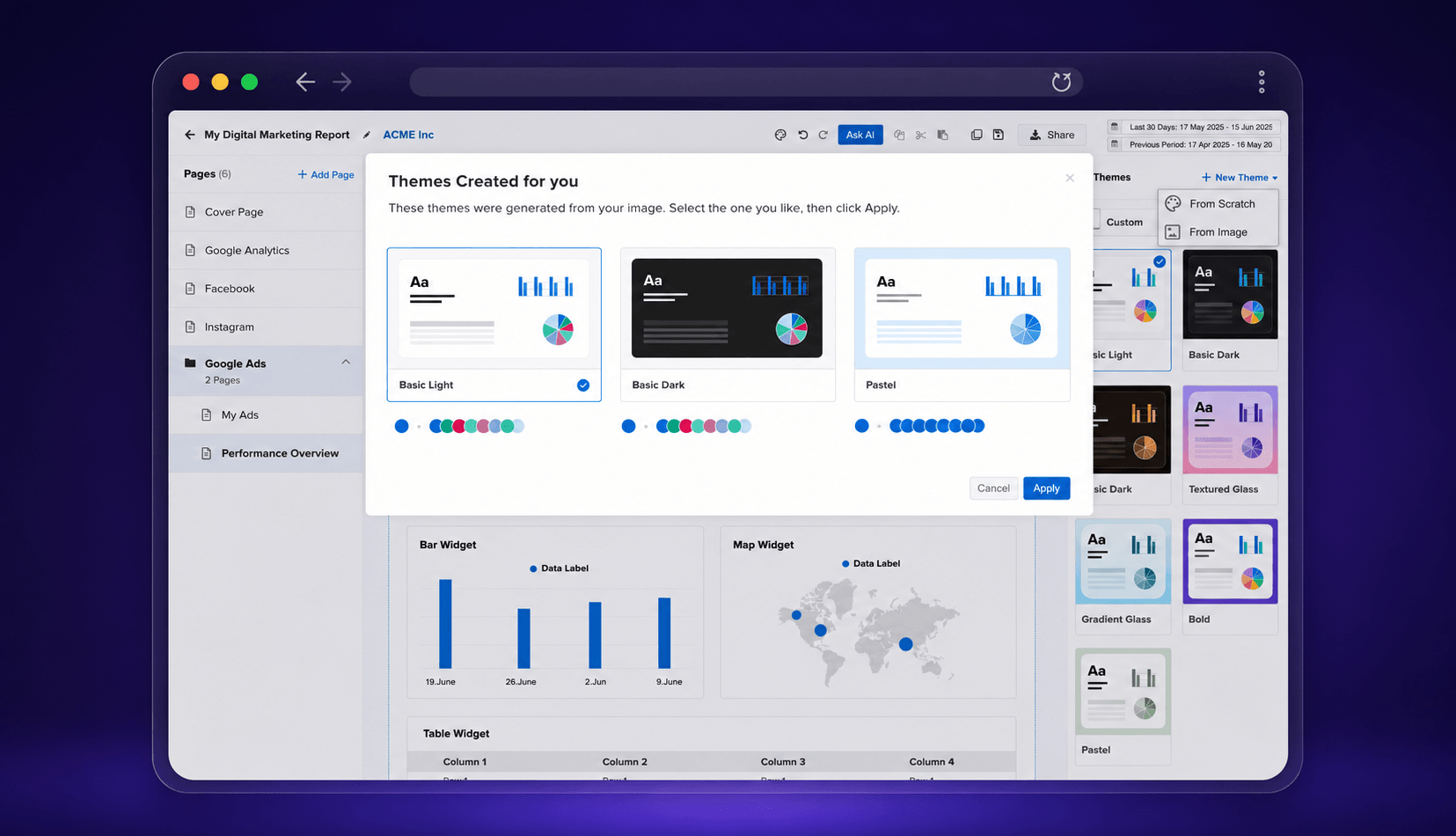
This was one of the most exciting parts of the redesign. Users upload an image a logo, a brand guideline, a website screenshot, or any marketing asset. The system pulls out the brand colors and instantly generates three theme directions: Light, Dark, and Pastel.
Users preview each one and pick their favorite. Semantic color relationships apply that choice across the entire report. The whole thing takes under a minute, making it far easier for anyone to create a branded report.
What changed for users
"People who weren't designers could now build polished, on-brand reports with confidence. Some customers told us report customization was one of the reasons they chose ReportGarden over other tools."
Before
- Manual setup only
- 10+ minutes per theme
- Limited customization
- Designer and support dependent
After
- Theme creation in under 2 minutes
- AI-generated themes in under 1 minute
- Deep customization across widgets and charts
- Beautiful standard themes with a self-serve experience
What I'd carry forward
Design for Everyone
Thoughtful defaults and guidance help non-designers create professional results with confidence.
AI as an Accelerator
The best AI experiences speed up workflows while keeping users in control of decisions.
Remove Dependencies
Reducing reliance on support teams creates a better experience for both customers and the business.